
Category
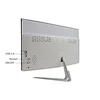
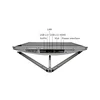

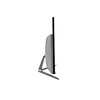
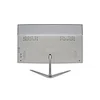

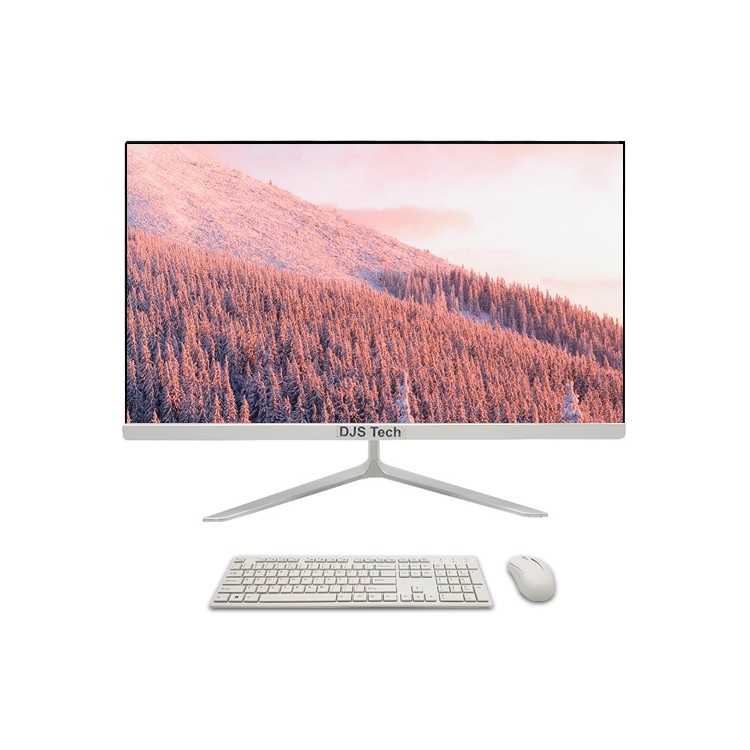
desktop computer performance PC core i7 CPU 1920*1080 HD 21.5'' all in one PC
DJS-E38
minimum order:
1 piece
Quantity:
- Place of Origin:Guangdong, China
- Brand Name:DJS Tech
- Model Number:DJS-E38
- Products Status:New
- Warranty(Year):1-Year
- Optical Drive Type:DVD-ROM
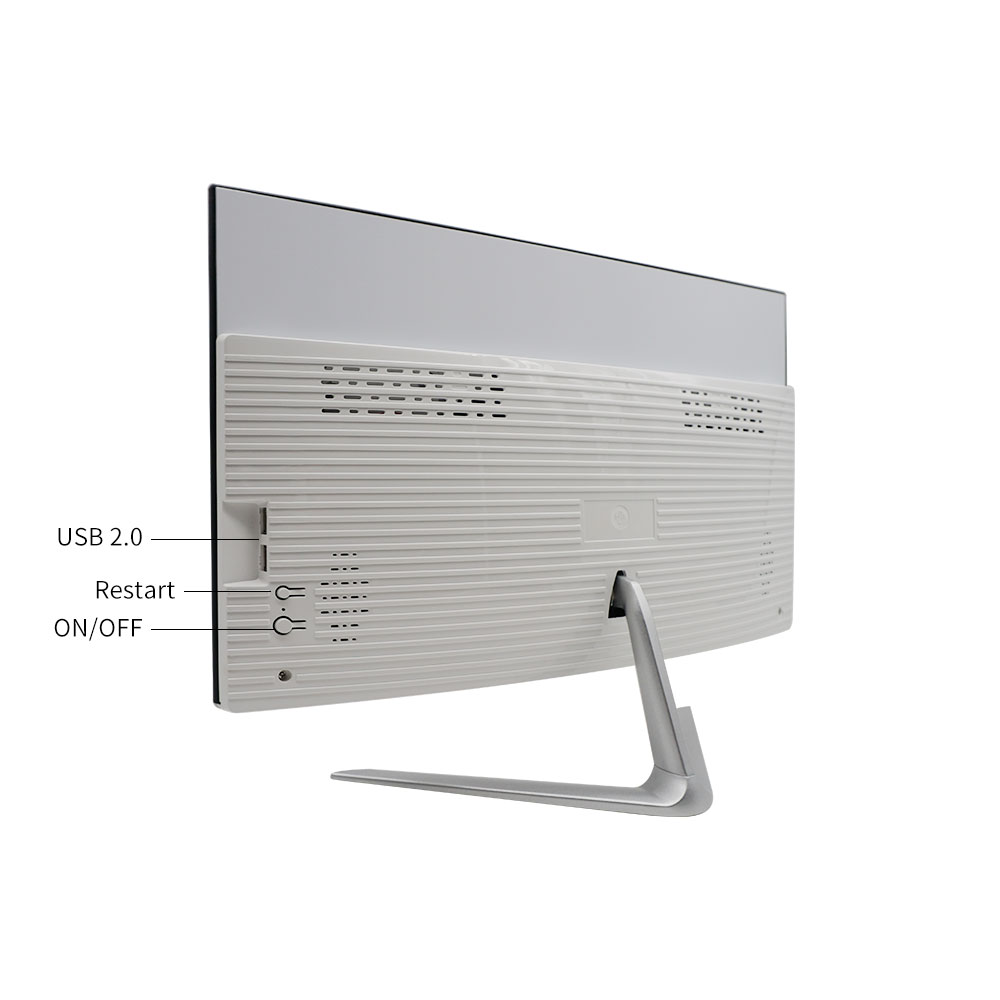
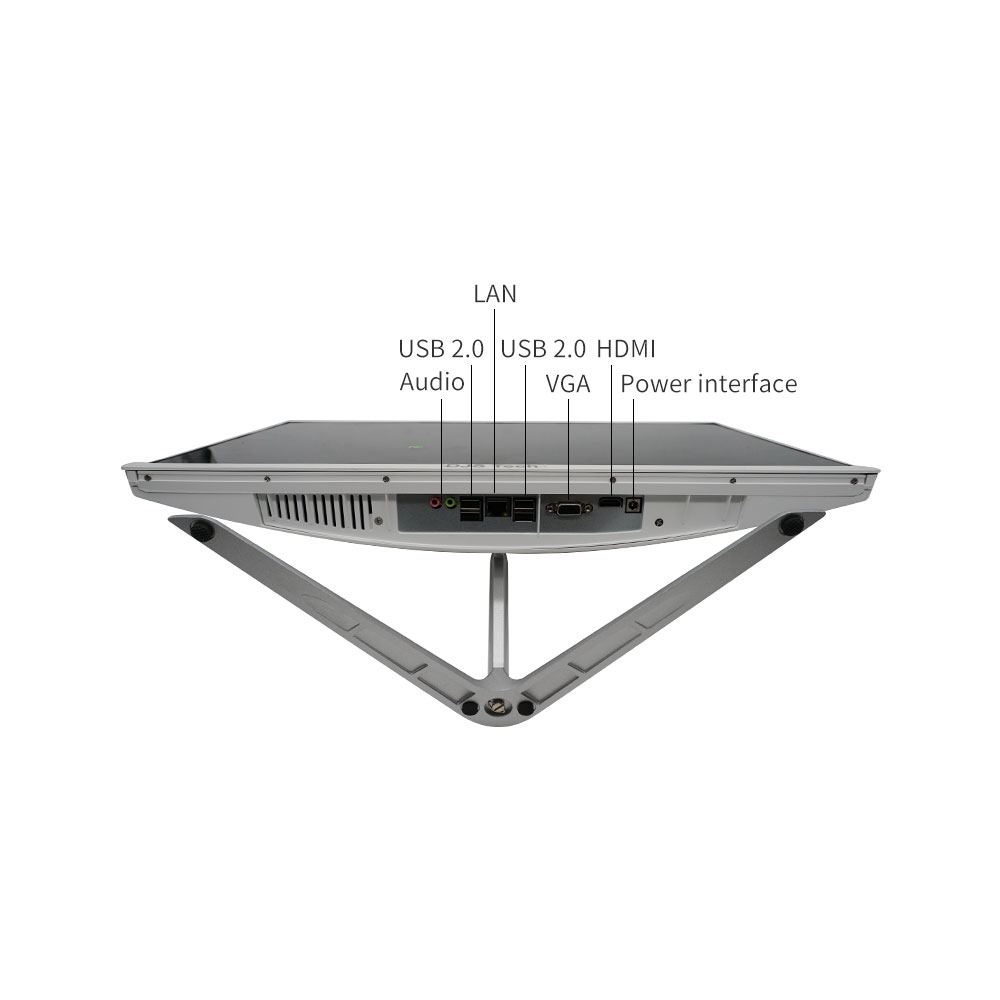
- Interface Type:HDMI, VGA, usb
- Color:White
- Display Type:OLED
- Processor Brand:Intel
- Display Ratio:16:9
- Display resolution:1920x1080
- Plugs Type:US, JP, CN, AU, UK, EU
- Hard Drive Type:SSD
- Operating System:Windows 10
- Processor Type:Intel CORE I7
- Graphics Card Chipset:Integrated Card
- RAM Type:DDR3
- Video Memory:8GB
- Video Card:Intel HD Graphics
- After-sales Service:Call Center and on-line Technical Support, Onsite Training and Inspection, Free spare parts, Return and Replacement, Repair, Others
- CPU:Quad Core I3 I5 I7
- Motherboard:HM65
- RAM:DDR3 Optional
- Memory:8GB desktop
- Storage:256GB SSD desktop
- Size:21.5"
- System:Win10(7/8 Optional)
- Graphics Card:Integrated HD Graphics
- WIFI:802.11b/g/n
- BT:4.0
- All in one computer with a discrete graphics card
- The core benefits of an all-in-one computer are that it saves space, has a simple and beautiful appearance, and eliminates complex hardware assembly steps. It is very suitable for users who pursue a clean desktop and convenient use.
1. Occupies very little space and is suitable for small environments
The all-in-one computer integrates the host hardware (such as CPU, memory, hard disk) and monitor into one, completely bidding farewell to the independent host box of traditional desktop computers, and has extremely high space utilization.
It only needs an ordinary desk to place it, and there is no need to reserve additional space for the chassis. It is especially suitable for bedrooms, small study rooms or compact office workstations.
There are no messy connection cables between the host and the monitor, so the desktop can always be kept tidy and visually refreshed.
2. Plug and play, low threshold for use
All hardware assembly and system pre-installation have been completed before the all-in-one computer leaves the factory. Users do not need to study hardware compatibility and manual wiring like assembling a desktop computer, making it extremely easy to get started.
After unboxing, you only need to connect the power cord. Some models are wireless even with the keyboard and mouse. They can be turned on and used after powering on. It is very friendly to computer novices or people who are not good at hardware operations.
There is no need to worry about hardware installation errors (such as plugging in the wrong power cord, not plugging the graphics card tightly), avoiding trouble and risks during the assembly process.
3. Simple appearance design, adaptable to various styles
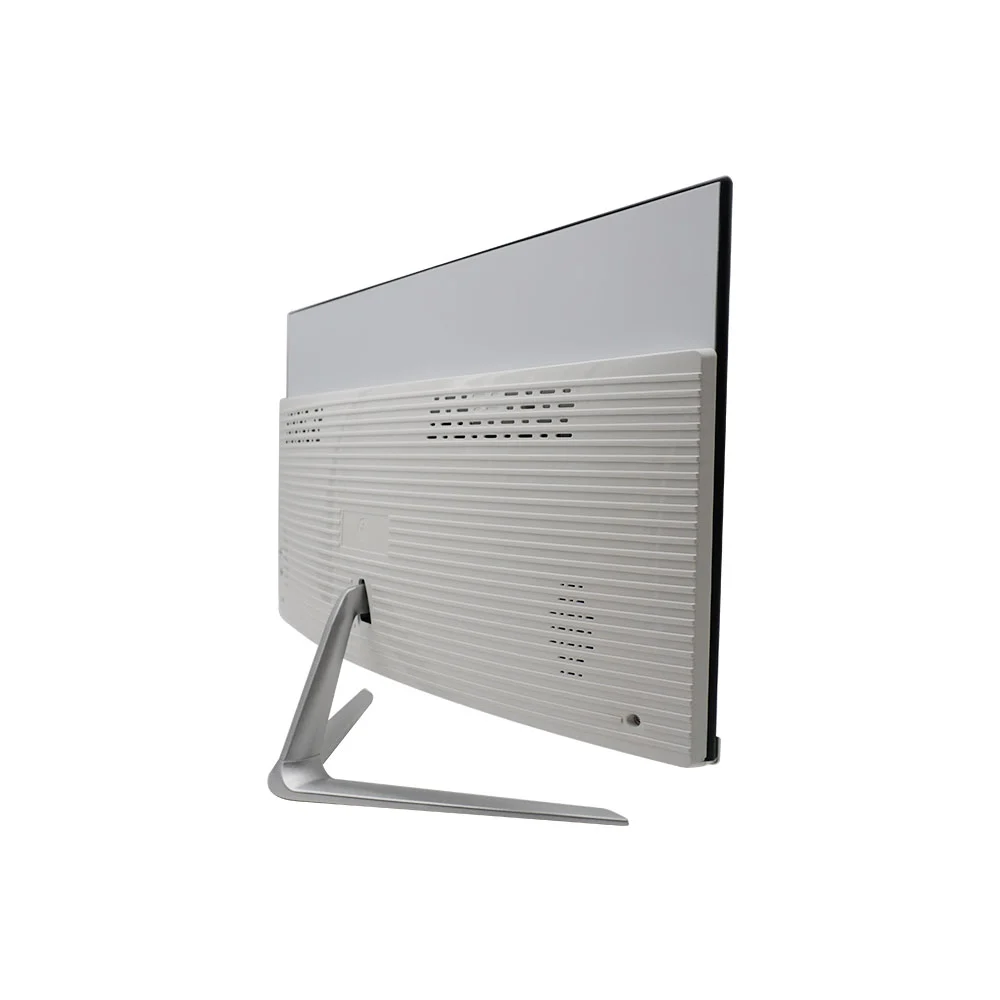
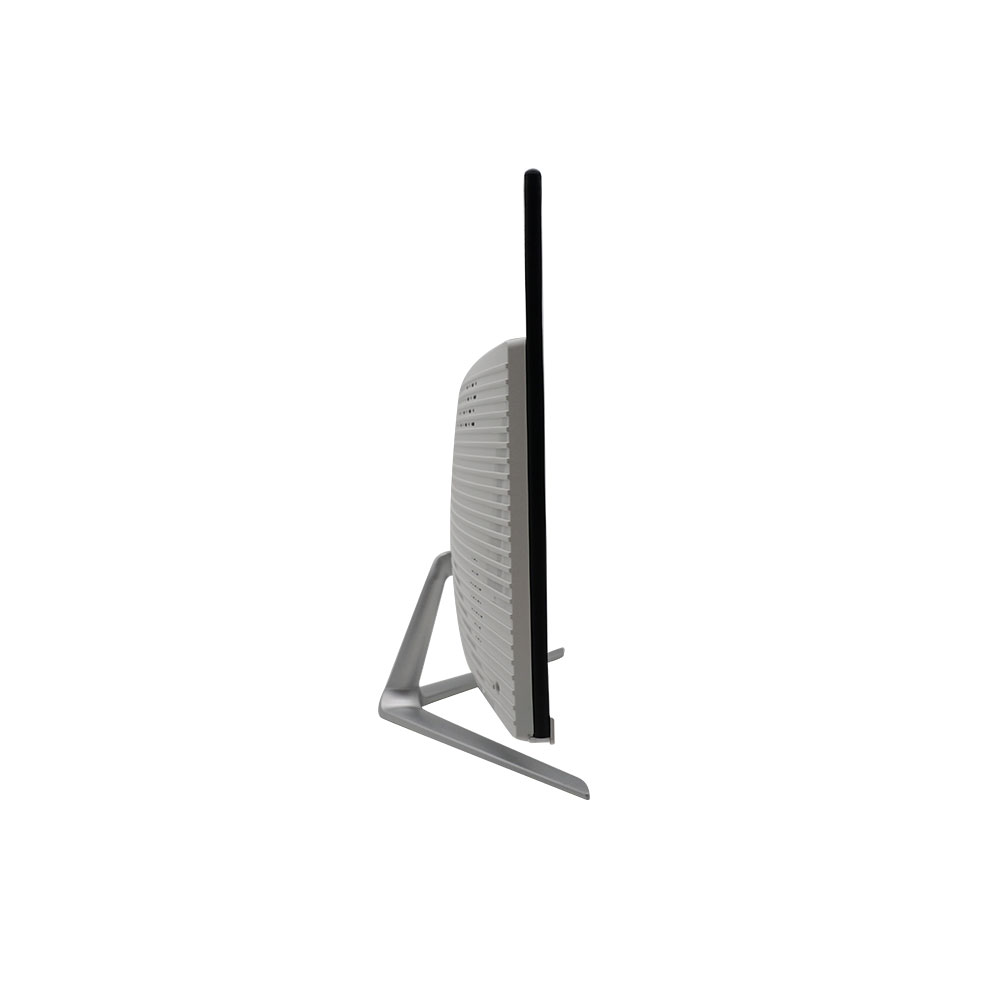
The design of the all-in-one machine is more"home appliance-like". The body is thin and light, with smooth lines. It can naturally integrate into different home or office environments and is both practical and decorative.
Most models adopt a narrow bezel design, with a high screen-to-body ratio and strong visual immersion. They can be placed in the living room as home audio and video equipment, or placed in the study as an office workhorse, which can enhance the overall texture of the space.
4. Relatively convenient to move and flexibly adjust the position
Although not as portable as a laptop, the mobility of an all-in-one computer is more advantageous than a bulky traditional desktop (the host + monitor are transported separately).
The core benefits of an all-in-one computer are that it saves space, has a simple and beautiful appearance, and eliminates complex hardware assembly steps. It is very suitable for users who pursue a clean desktop and convenient use.
1. Occupies very little space and is suitable for small environments
The all-in-one computer integrates the host hardware (such as CPU, memory, hard disk) and monitor into one, completely bidding farewell to the independent host box of traditional desktop computers, and has extremely high space utilization.
It only needs an ordinary desk to place it, and there is no need to reserve additional space for the chassis. It is especially suitable for bedrooms, small study rooms or compact office workstations.
There are no messy connection cables between the host and the monitor, so the desktop can always be kept tidy and visually refreshed.
2. Plug and play, low threshold for use
All hardware assembly and system pre-installation have been completed before the all-in-one computer leaves the factory. Users do not need to study hardware compatibility and manual wiring like assembling a desktop computer, making it extremely easy to get started.
After unboxing, you only need to connect the power cord. Some models are wireless even with the keyboard and mouse. They can be turned on and used after powering on. It is very friendly to computer novices or people who are not good at hardware operations.
There is no need to worry about hardware installation errors (such as plugging in the wrong power cord, not plugging the graphics card tightly), avoiding trouble and risks during the assembly process.
3. Simple appearance design, adaptable to various styles
The design of the all-in-one machine is more"home appliance-like". The body is thin and light, with smooth lines. It can naturally integrate into different home or office environments and is both practical and decorative.
Most models adopt a narrow bezel design, with a high screen-to-body ratio and strong visual immersion. They can be placed in the living room as home audio and video equipment, or placed in the study as an office workhorse, which can enhance the overall texture of the space.
4. Relatively convenient to move and flexibly adjust the position
Although not as portable as a laptop, the mobility of an all-in-one computer is more advantageous than a bulky traditional desktop (the host + monitor are transported separately)
Product Description
| Processor | Intel® Core i3 Dual Core | |||
| Motherboard | Intel HM65 Chipset 17*17CM | |||
| Graphics | UMA of Integrated Graphics by CPU | |||
| LED screen | 23.8inch HD LED 1920*1080p,Slim Bezel | |||
| Storge | ||||
| Support HITACHI/FUJITSU/ Seagate/TOSHIBA/ SAMSUNG/WD | ||||
| Support SSD 128GB (Option) | ||||
| Memory | DDR3 1066/1333MHz,one DDR3 SO-DIMM slot Support up to 4GB | |||
| Audio | Realtek ALC662 ,Azalia Codec support 5.1 channel output ,2 Jacks, MIC in/ Line out | |||
| LAN | Realtek 8111EL&F 100/1000M Ethernet,RJ45 port | |||
| Speaker | Built in Speaker 8Ω/3W*2 | |||
| WIFI | WIFI 802.11b/g/n&ac | |||
| BT | BT4.x(Optional) | |||
| DVD | External USB DVD-RW | |||
| keyboard | USB K/B | |||
| Mouse | USB Muose | |||
| Power management | AC90~240V, DC 12V5A~8A@ 60~96W | |||
| I/O | 1*Line out, | |||
| 1*MIC in | ||||
| 1*VGA Port | ||||
| 6*USB2.0 Ports | ||||
| 1*LAN | ||||
| 1*HDMI | ||||
| 1* DC-In Port | ||||
| Temperature | Operating: -5°C--40°C | |||
| Storage: -20°C---60°C | ||||
| Humidity | Operating: 30%--90% (Non-Condensing) | |||
| OS | WIN7&WIN8&WIN10 | |||
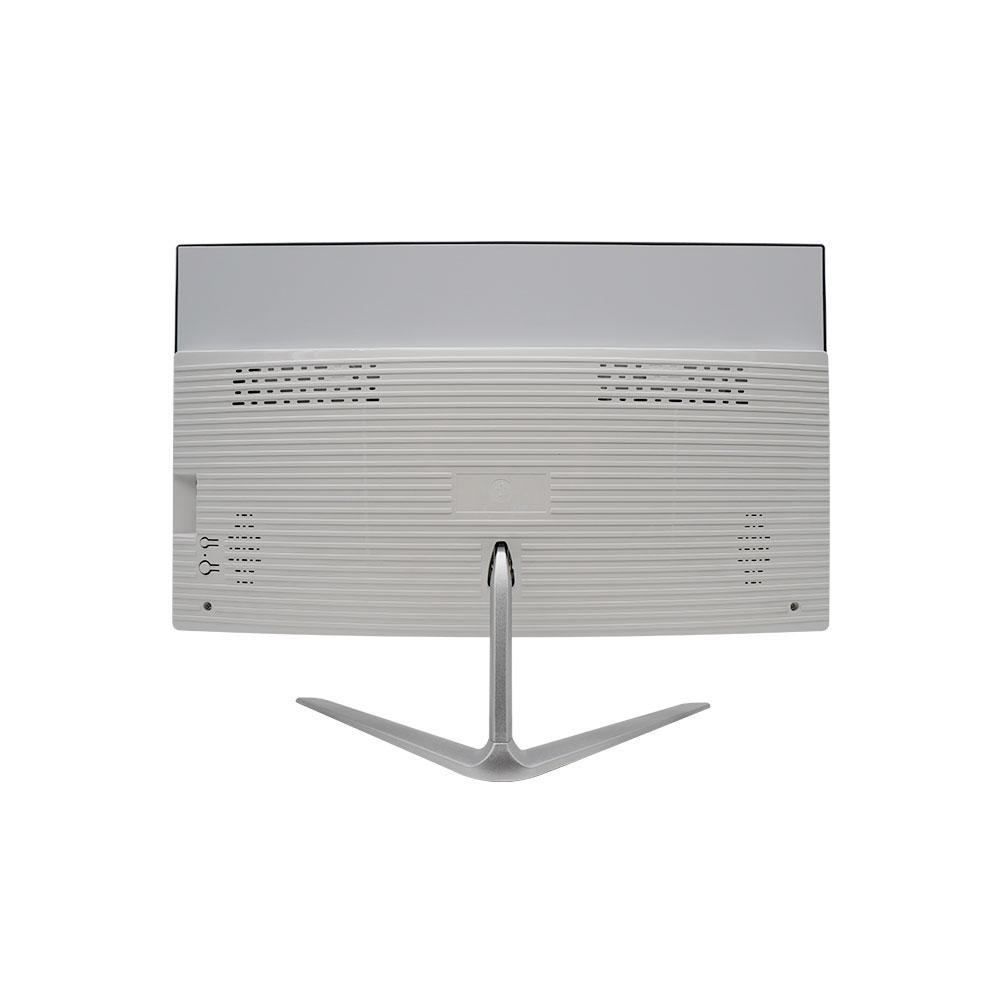
| material | ABS | |||
| Color | white | |||
| Dimension | 495*293*7.2-36.7mm | |||
| Weight | Under 10 Kg ,using Plastic tooling. | |||
Detailed Images
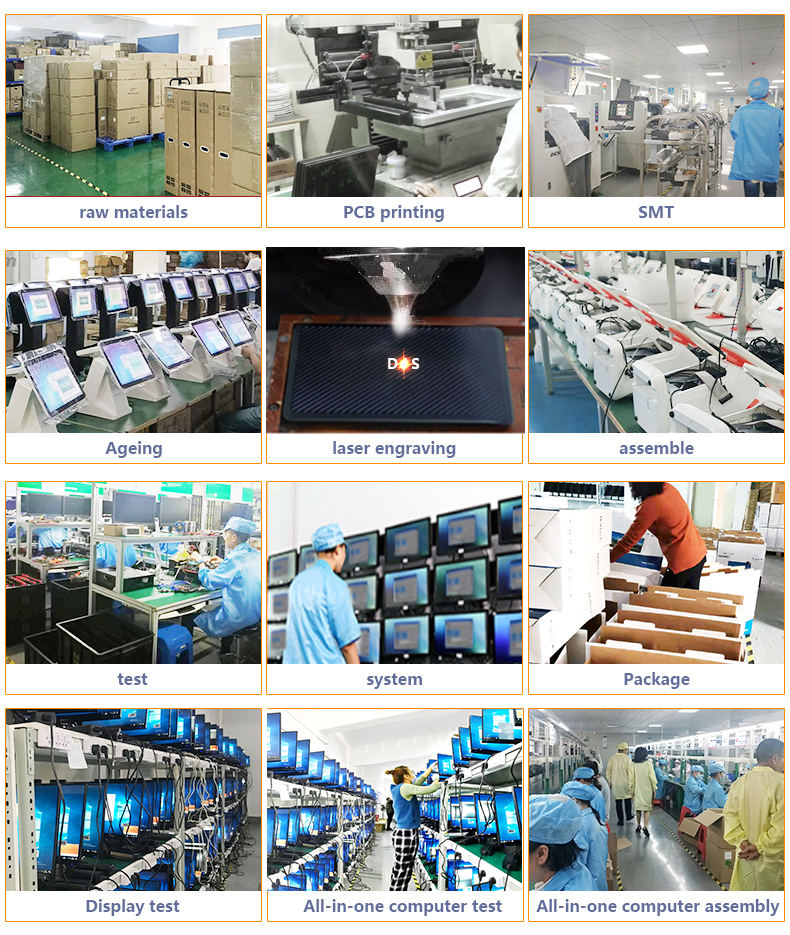
OEM/ODM
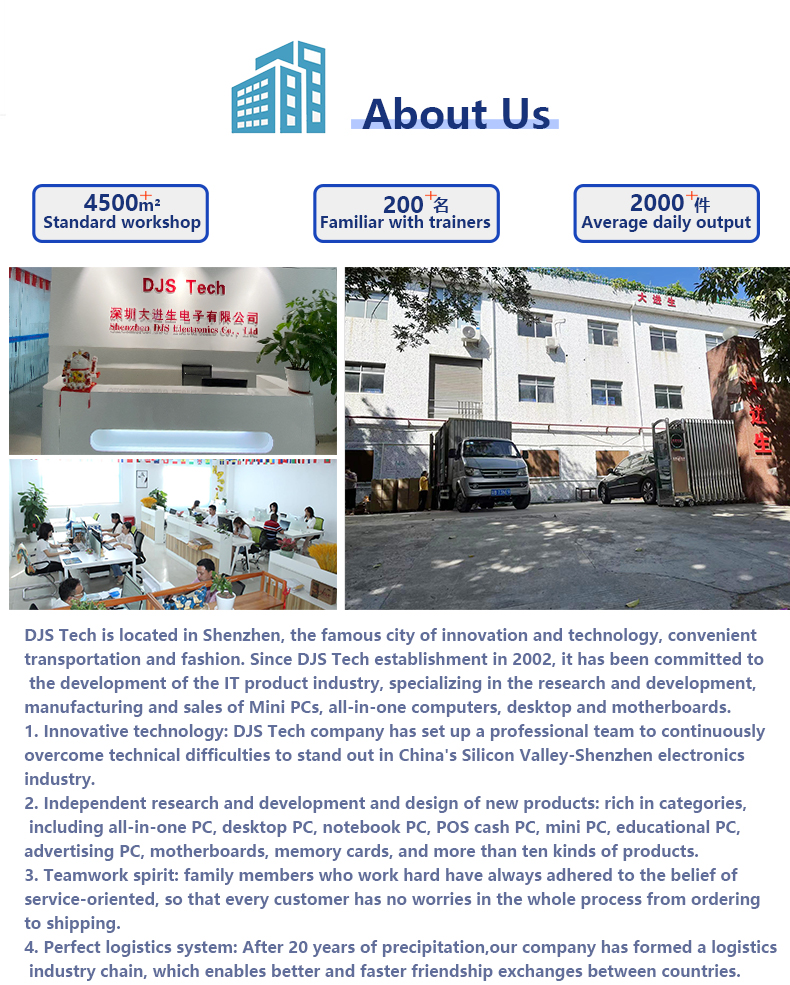
Company Information
Certificate

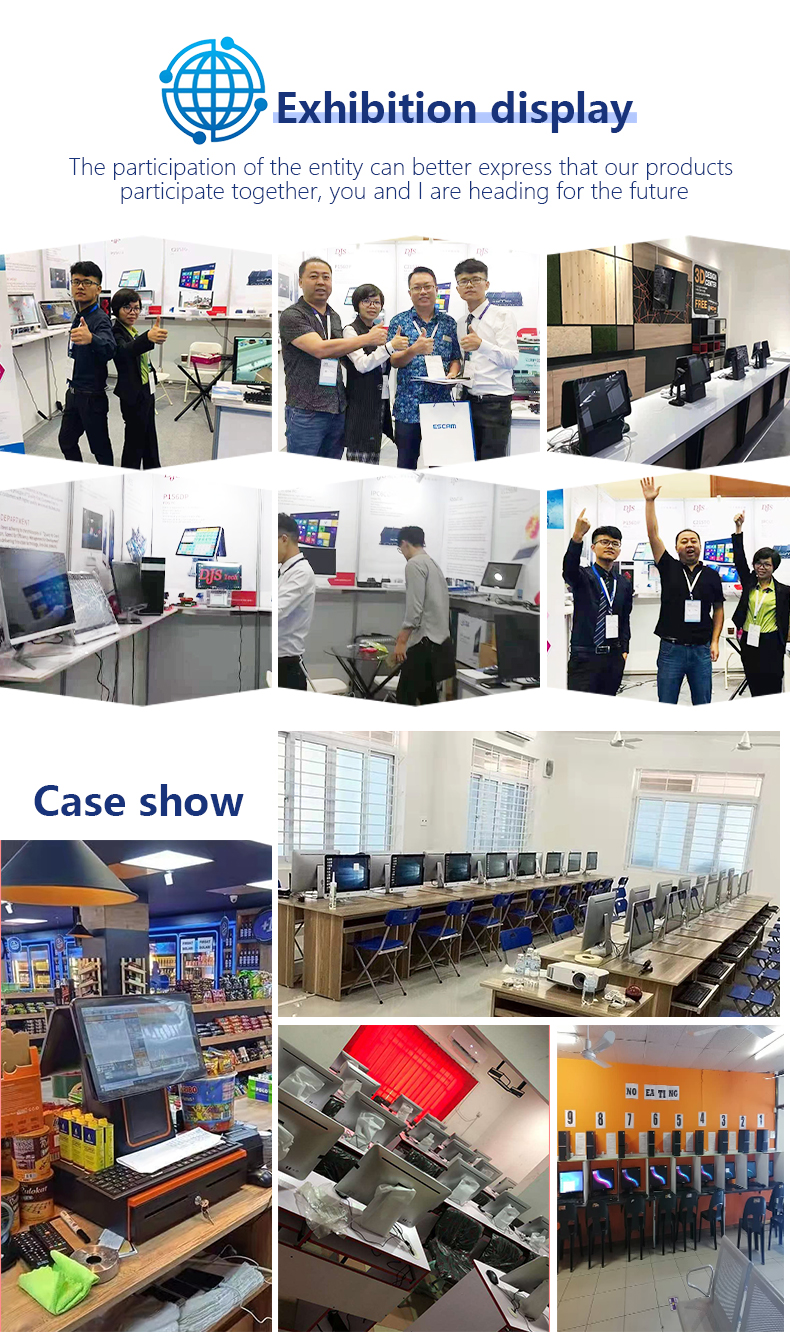
Exhibition
Packaging & Shipping

FAQ
Q1:Is this your private model?
A: Yes
Q2:Can i buy a sample for the quality tested? What's the MOQ of the product ?
A: Of course, welcome to buy sample to test quality. MOQ usually 100 pieces, special requirement, MOQ will be different.
Q3:Can you printed our logo on the product or do the customized package box for us?
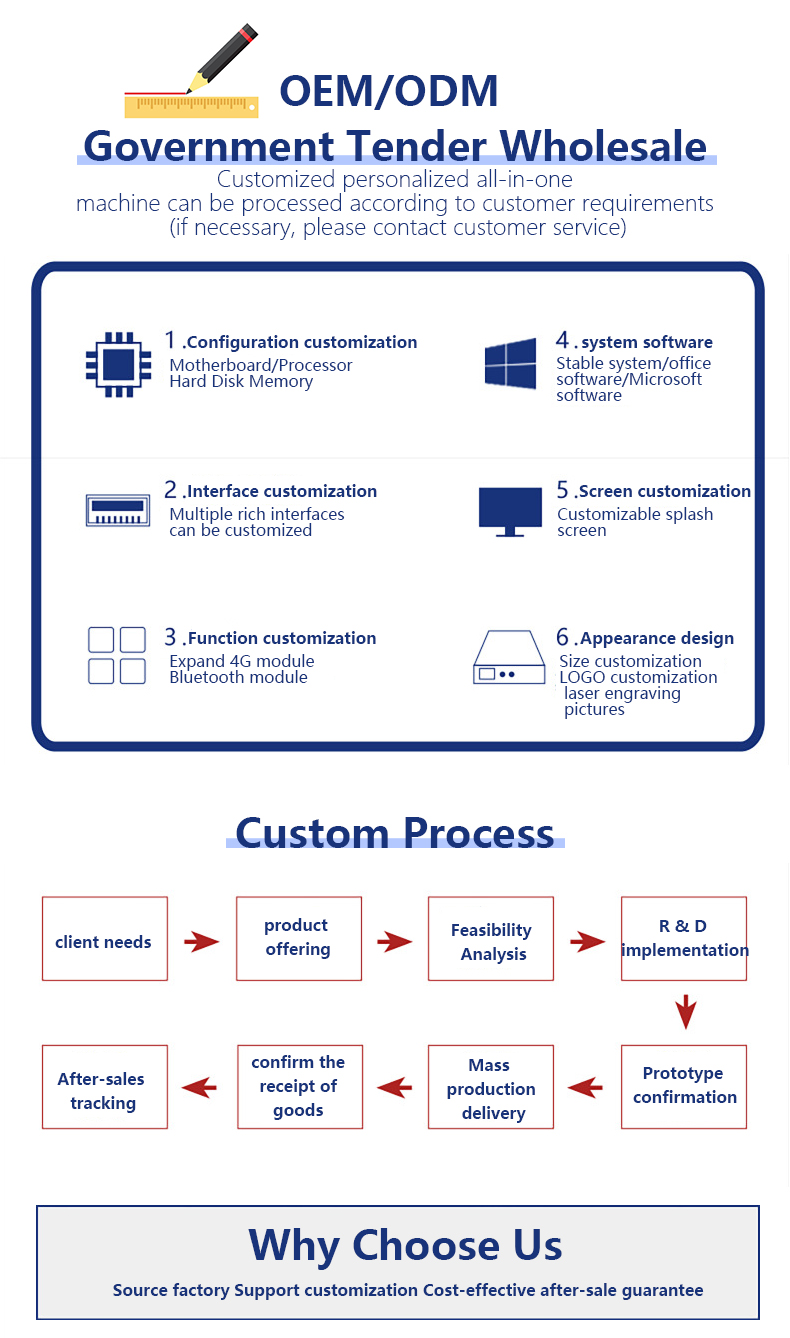
A: Sure, our factory produces OEM/ODM .
Q4:What's the Lead time?
A: It is up to quantity and requirement, standard 2-7 working days.
Q5:What's your warranty time?
A:Warranty is 12 months
Q6:What's the shipment methods? Can we use our own Express account number?
A: Shipping methods is up to your. yes, we can send it via your account of courier.
Recommend Products
 Cheap Fhd All-in-one Desktop 24 Inch I3 I5 I7 All in One Pc For Windows OS Business Rotatable & foldable standAll-in-one minimalist pure white chassis with a clean, soft appearance and versatile styling, perfectly suited for retail checkout counters, front desks, educational offices, and light home office scenarios. It features a rotatable and foldable metal stand that allows free adjustment of the screen tilt angle for flexible viewing, delivering comfortable operation whether standing or sitting down. Boasting an ultra-slim narrow-bezel full screen with a high screen-to-body ratio, it provides an expansive viewing area and renders sharp, delicate colors. The integrated storage base at the bottom comes with a built-in wireless charging pad that supports fast wireless charging for mobile phones. It combines storage and charging functions in one, keeping your desk neat and clutter-free.DJS-AC240Send Inquiry
 23.8 Inch I3 I5 I7 All in One Pc Desktop Computers , Customized WelcomeI. Appearance & Design Features Ultra-narrow three-sided bezels on the front deliver a high screen-to-body ratio and immersive viewing experience, paired with vibrant display colors, making it ideal for video entertainment and office work. The minimalist silver-gray and black chassis features a soft, versatile aesthetic that complements various interior styles for living rooms, studies and offices. Equipped with a triangular split metal stand, it boasts stable structure for steady placement. The ultra-slim overall body takes up minimal desk space.DJS-A0238Send Inquiry
 27 Inch RAM 16GB SSD 1TB aio pc core i7 cpu all in one PC Office i3 i5 i7 i9 desktop computers27 -inch all -in -one computer office household large -screen design editing game DVD full -machine desktop computerDJS-AB270DSend Inquiry
 27Inch curved screen All-in-one Pc Computer i3 i5 i7 i9 Monoblock Gaming Desktop Pc23.8/27 -inch integrated machine computer office household design desktop full set of games high -match and rotation ultra -thin large screen i5 i7 i9 integrated wall hanging machineDJS-AA270DSend Inquiry
Send Message